
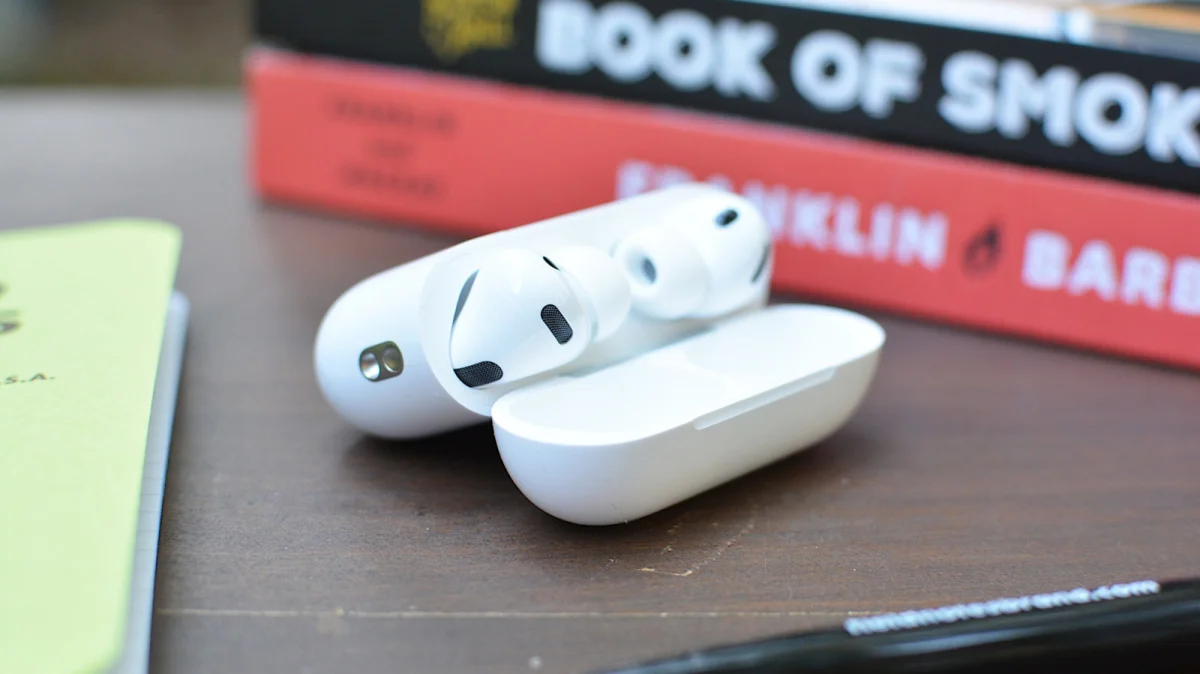

Apple's recent update to iOS, version 26.5.1, introduced a feature that allows users to control their iPhone camera using compatible AirPods. This functionality, named Camera Remote, was launched on June 1, 2026, and is intended for those without an Apple Watch. By utilizing their AirPods, users can avoid the inconvenience of setting timers for selfies.
To utilize this feature, users need an iPhone running the latest iOS and a pair of compatible AirPods, such as AirPods Pro 3 or AirPods Max 2. It's important to note that older AirPods models do not support this function. Users must first pair their AirPods with their iPhone, then enable Camera Remote through the Settings app by navigating to the AirPods section and selecting their preferred control option.
With Camera Remote activated, users can take photos or start video recordings directly through their AirPods by pressing the appropriate controls. However, both AirPods must be worn for the feature to work, and enabling this setting will disable other functionalities like Siri access while the Camera app is open.