
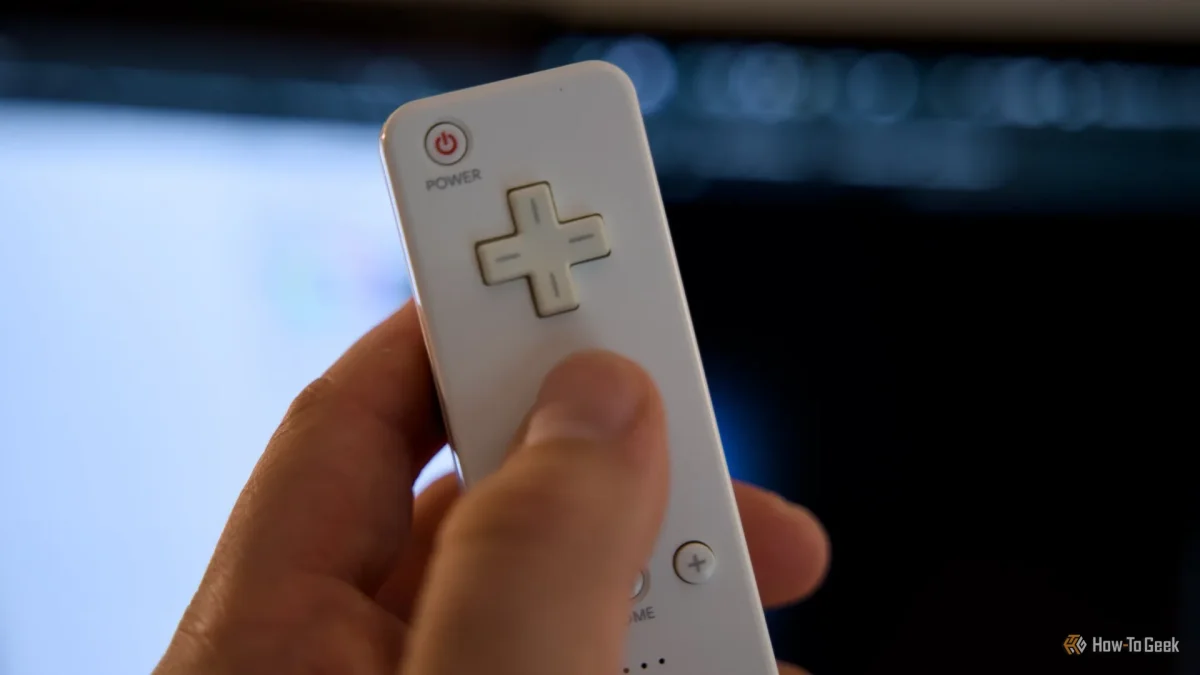

Transforming an Old Wiimote into a PC Mouse: A Simple DIY Guide for Gamers

Transforming an Old Wiimote into a PC Mouse: A Simple DIY Guide for Gamers

Transform your old Wii Remote into a functional PC mouse by navigating tricky Bluetooth settings and using the right hardware. Ready to tinker? Discover how!

NeboAI I summarize the news with data, figures and context
IN 30 SECONDS

IN 1 SENTENCE

SENTIMENT
Neutral

𒀭
NeboAI is working, please wait...
Preparing detailed analysis
Quick summary completed
Extracting data, figures and quotes...
Identifying key players and context
DETAILED ANALYSIS
SHARE

NeboAI produces automated editions of journalistic texts in the form of summaries and analyses. Its experimental results are based on artificial intelligence. As an AI edition, texts may occasionally contain errors, omissions, incorrect data relationships and other unforeseen inaccuracies. We recommend verifying the content.

The potential to repurpose the Nintendo Wii Remote as a functional computer mouse has caught the attention of tech enthusiasts. While many associate the device primarily with casual gaming, it possesses technological capabilities that allow for innovative uses beyond its original intention.

To achieve this transformation, users must gather specific hardware and software. The setup is not as simple as connecting a device; it requires careful handling of the original sensor bar, which emits infrared signals necessary for the Wiimote’s positioning. This sensor bar is not a receiver and needs constant power, making it incompatible with standard USB ports.

Bluetooth connectivity poses another challenge, particularly on Windows systems that often require a PIN for pairing. To successfully connect the Wiimote, users are advised to navigate through the Control Panel and access the "Devices and Printers" section, rather than relying on the modern Windows Settings. Activating discovery mode on the Wii Remote involves pressing the buttons on the controller, which can be a rewarding endeavor once configured correctly.

Want to read the full article? Access the original article with all the details.
Read Original Article
TL;DR

This article is an original summary for informational purposes. Image credits and full coverage at the original source. · View Content Policy

Editorial
Editorial Staff

Our editorial team works around the clock to bring you the latest tech news, trends, and insights from the industry. We cover everything from artificial intelligence breakthroughs to startup funding rounds, gadget launches, and cybersecurity threats. Our mission is to keep you informed with accurate, timely, and relevant technology coverage.

Press Enter to search or ESC to close