
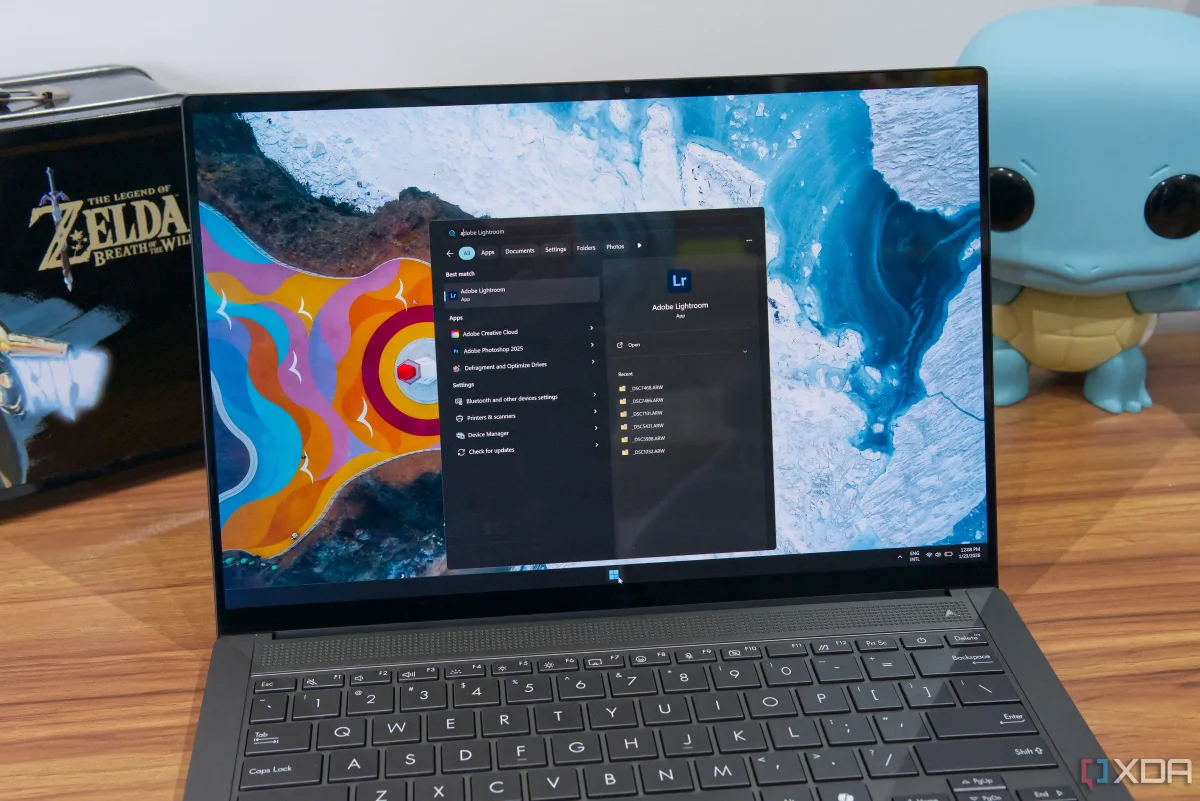

Microsoft's decade-long neglect of Windows Search raises user frustration and concerns

Microsoft's decade-long neglect of Windows Search raises user frustration and concerns

Windows Search remains ineffective, with slow and incomplete results frustrating users. As Microsoft adds distractions, the core search functionality continues to decline.

NeboAI I summarize the news with data, figures and context
IN 30 SECONDS

IN 1 SENTENCE

SENTIMENT
Neutral

𒀭
NeboAI is working, please wait...
Preparing detailed analysis
Quick summary completed
Extracting data, figures and quotes...
Identifying key players and context
DETAILED ANALYSIS
SHARE

NeboAI produces automated editions of journalistic texts in the form of summaries and analyses. Its experimental results are based on artificial intelligence. As an AI edition, texts may occasionally contain errors, omissions, incorrect data relationships and other unforeseen inaccuracies. We recommend verifying the content.

Windows Search has been criticized for its inefficiency and unreliability, particularly since the launch of Windows 10. Users report frequent issues with the search bar on the taskbar and Start menu, which often fails to deliver immediate and relevant results for applications and files. This is especially frustrating when typing quickly, as the system may not promptly update the results, leading to incorrect app launches or incomplete web searches.

One of the central problems is that not every directory is indexed by default, which can cause users to miss files that are buried within subfolders. Although indexing can be adjusted, Microsoft cautions that it may require significant resources and time, further complicating the search experience. Strikingly, disabling file search can sometimes enhance app search results, highlighting fundamental design flaws.

Despite these shortcomings, Microsoft has chosen to prioritize adding features that many users find unnecessary, such as a Copilot button and random informational banners, rather than addressing the core functionality of Windows Search. As a result, many users continue to seek alternative solutions for file and app search on their devices.

Want to read the full article? Access the original article with all the details.
Read Original Article
TL;DR

This article is an original summary for informational purposes. Image credits and full coverage at the original source. · View Content Policy

Editorial
Editorial Staff

Our editorial team works around the clock to bring you the latest tech news, trends, and insights from the industry. We cover everything from artificial intelligence breakthroughs to startup funding rounds, gadget launches, and cybersecurity threats. Our mission is to keep you informed with accurate, timely, and relevant technology coverage.

Press Enter to search or ESC to close