

Switching to a Linux VM streamlines productivity by replacing 4 Windows tools

Switching to a Linux VM streamlines productivity by replacing 4 Windows tools

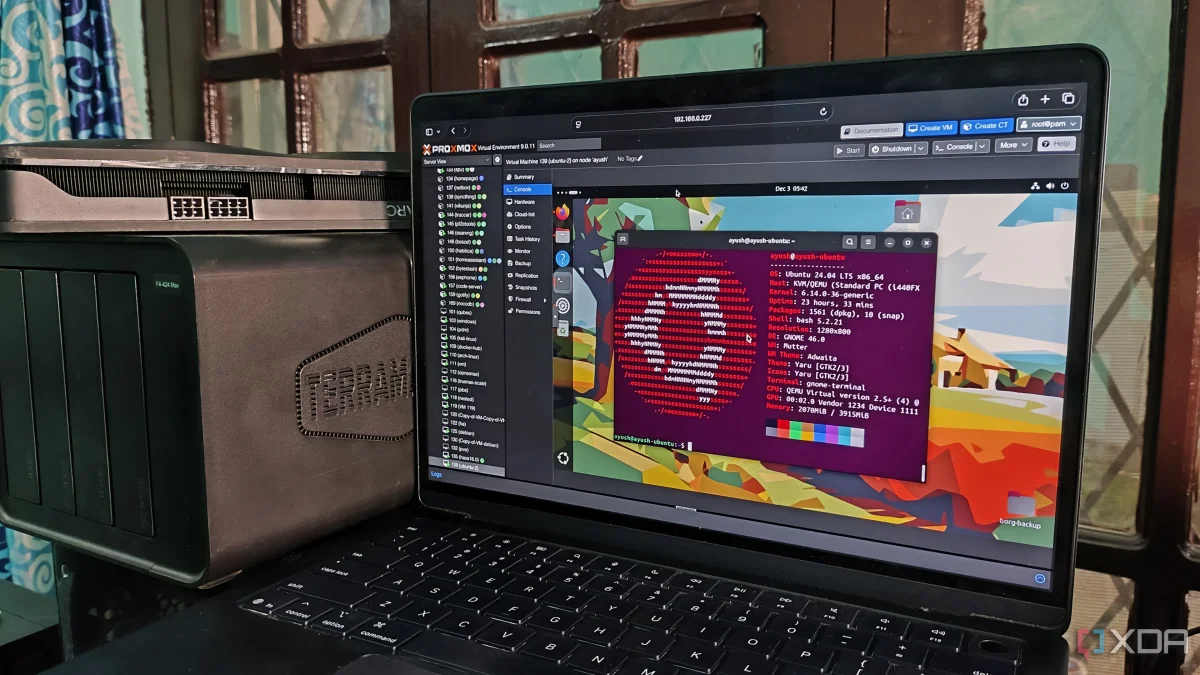
Transitioning utility tasks to a Linux VM has streamlined operations, enhancing reliability in backups and network scanning while reducing clutter on the main workstation. Discover how this shift optimizes performance.

NeboAI I summarize the news with data, figures and context
IN 30 SECONDS

IN 1 SENTENCE

SENTIMENT
Neutral

𒀭
NeboAI is working, please wait...
Preparing detailed analysis
Quick summary completed
Extracting data, figures and quotes...
Identifying key players and context
DETAILED ANALYSIS
SHARE

NeboAI produces automated editions of journalistic texts in the form of summaries and analyses. Its experimental results are based on artificial intelligence. As an AI edition, texts may occasionally contain errors, omissions, incorrect data relationships and other unforeseen inaccuracies. We recommend verifying the content.

Transforming a Windows workstation into a more efficient setup, the author has deployed a Linux virtual machine (VM) for various utilities, achieving a more organized workspace. This strategic move addresses the clutter caused by multiple tools that were previously tolerated but not trusted, particularly the Windows Task Scheduler.

With the transition to the Linux VM, scheduled tasks are now reliably managed through cron jobs and systemd timers. This change has eliminated previous concerns regarding task execution and reliability. The VM efficiently handles rsync jobs, pulling data from the workstation to a NAS, while offering clear logs for troubleshooting.

Additionally, network scanning has been optimized by utilizing Nmap on the VM. This setup allows for broader and more detailed scans without burdening the primary machine. Basic discovery and targeted scans can be executed quickly, providing clear insights into network activity and service responses.

Overall, using a Linux VM has streamlined the author’s workflow, centralizing tools and improving performance for both backup and network scanning tasks.

Want to read the full article? Access the original article with all the details.
Read Original Article
TL;DR

This article is an original summary for informational purposes. Image credits and full coverage at the original source. · View Content Policy

Editorial
Editorial Staff

Our editorial team works around the clock to bring you the latest tech news, trends, and insights from the industry. We cover everything from artificial intelligence breakthroughs to startup funding rounds, gadget launches, and cybersecurity threats. Our mission is to keep you informed with accurate, timely, and relevant technology coverage.

Press Enter to search or ESC to close