
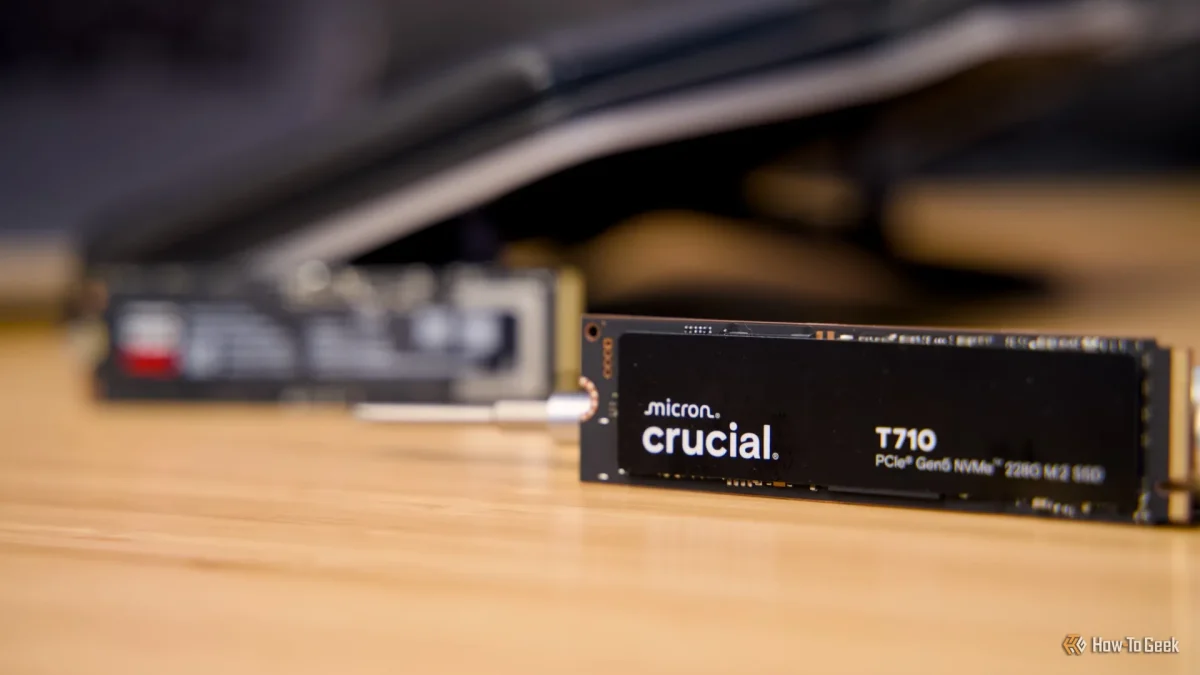

Why partitioning SSDs remains a smart choice for optimizing performance and storage

Why partitioning SSDs remains a smart choice for optimizing performance and storage

Partitioning larger SSDs can enhance data management, app installations, and OS reinstalls, making recovery smoother and backups more efficient. Explore the benefits now.

NeboAI I summarize the news with data, figures and context
IN 30 SECONDS

IN 1 SENTENCE

SENTIMENT
Neutral

𒀭
NeboAI is working, please wait...
Preparing detailed analysis
Quick summary completed
Extracting data, figures and quotes...
Identifying key players and context
DETAILED ANALYSIS
SHARE

NeboAI produces automated editions of journalistic texts in the form of summaries and analyses. Its experimental results are based on artificial intelligence. As an AI edition, texts may occasionally contain errors, omissions, incorrect data relationships and other unforeseen inaccuracies. We recommend verifying the content.

Partitioning a solid-state drive (SSD) can enhance its functionality by segmenting it into distinct, purpose-driven sections. This technique allows users to manage their operating system, applications, and data separately, which can be particularly beneficial for larger SSDs exceeding 1TB. Each partition appears as an independent drive to the operating system, providing flexibility in data organization.

While modern SSDs are less impacted by performance variations based on data placement than older hard disk drives (HDDs), partitioning still offers advantages. For example, it allows for encryption of specific volumes and can help streamline the reinstallation process, making it less burdensome in the event of an operating system failure.

Despite advancements in operating system repair options, some users remain cautious about relying solely on these features. The author expresses a preference for starting fresh with a clean Windows partition during reinstalls, reflecting a skepticism towards the reliability of recent Windows updates. Furthermore, it is advisable to keep backup partitions on separate drives, aligning with the 3-2-1 backup strategy to ensure data safety.

Want to read the full article? Access the original article with all the details.
Read Original Article
TL;DR

This article is an original summary for informational purposes. Image credits and full coverage at the original source. · View Content Policy

Editorial
Editorial Staff

Our editorial team works around the clock to bring you the latest tech news, trends, and insights from the industry. We cover everything from artificial intelligence breakthroughs to startup funding rounds, gadget launches, and cybersecurity threats. Our mission is to keep you informed with accurate, timely, and relevant technology coverage.

Press Enter to search or ESC to close