
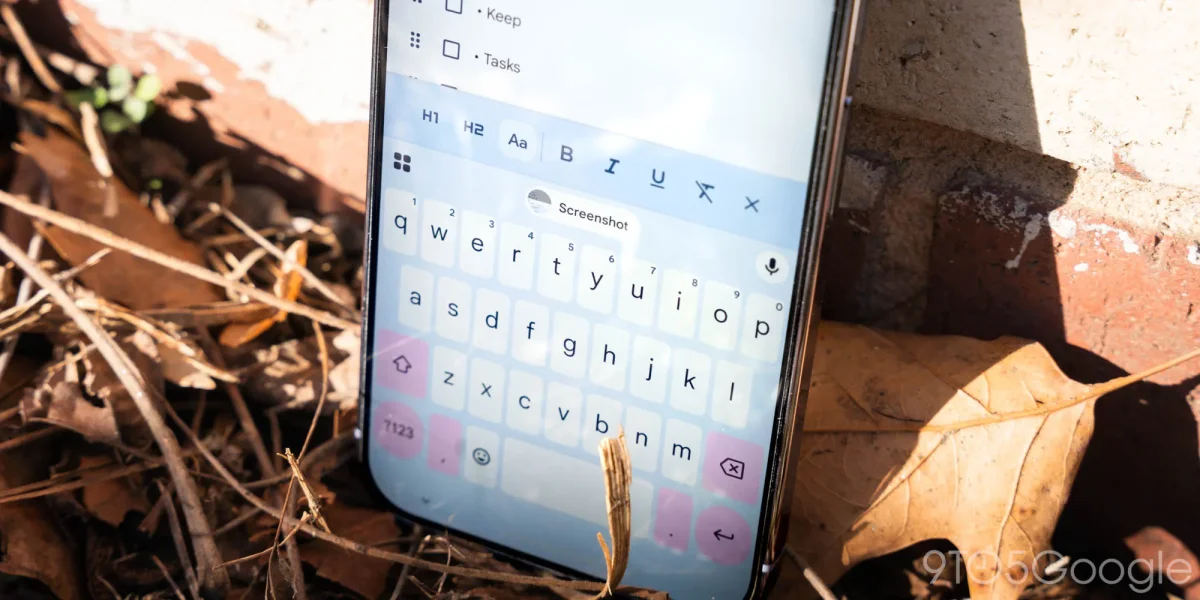

Gboard for Android has introduced a new feature known as “auto-switch after apostrophes,” which has recently been made available to users with version 16.7. This enhancement allows the keyboard to automatically revert to the letter layout after entering an apostrophe, streamlining the process of typing contractions and possessive nouns.
Previously, users had to manually switch back using the space bar or the ‘?123’ key. This feature is enabled by default and can be disabled through the Settings menu under Preferences. Additionally, Gboard has seen updates with the Material 3 Expressive redesign in version 16.5, improving the organization of menus for easier access.
Currently, the auto-switch feature is also being tested in the beta version 16.6, although it has not yet reached a broader audience. Other updates include a new shortcut for entering symbols by flicking keys, as well as options to hide specific punctuation keys.